
Notion templates and digital guides that run your business for you.

Ready-made systems for creators and small business owners. Capture ideas, manage projects and launch your own digital products, set up in five minutes.

Instant delivery after checkout. Duplicates straight into your own Notion workspace.

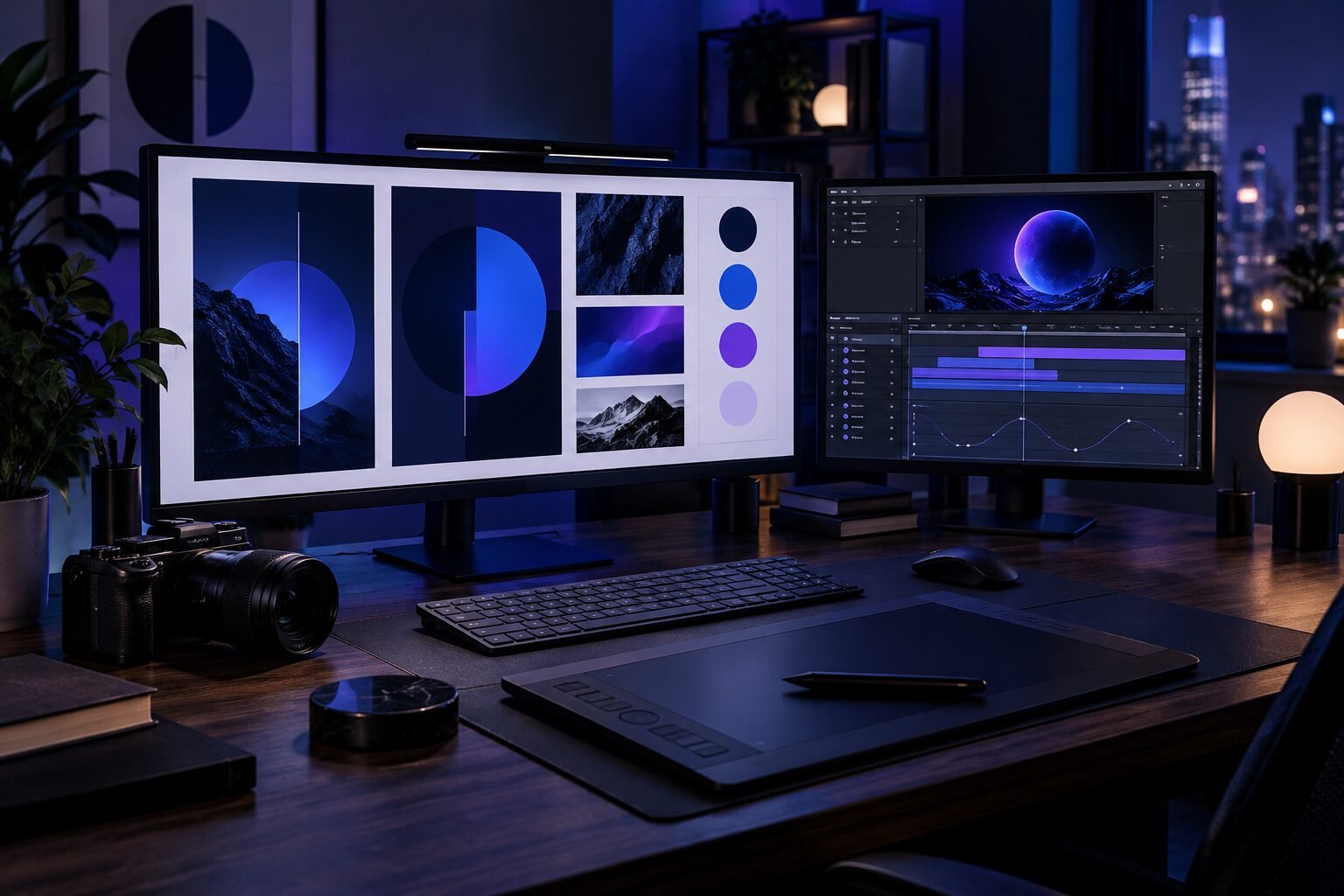
Creative studio desk with a graphic design layout on one monitor and a video animation timeline on another
  • The Curator’s Hub
  • The Family HQ 2027
  • 3ready-made Notion systems
  • From $12one-time price, no subscription
  • 5 minguided setup
  • Instantdownload after checkout

Notion templates and guides for creators and small business owners

Each one solves a single job well, comes with a setup guide and is delivered the moment you check out.

A happy family at the kitchen table planning their year with the Family HQ 2027 Notion planner
New · Notion template for parents

The Family HQ 2027: Life, Money & Memories Planner

Budget, bills, savings, a shared family calendar, yearly goals and memories in one calm planner. Launch price $19 (regularly $29).

See the Family HQ
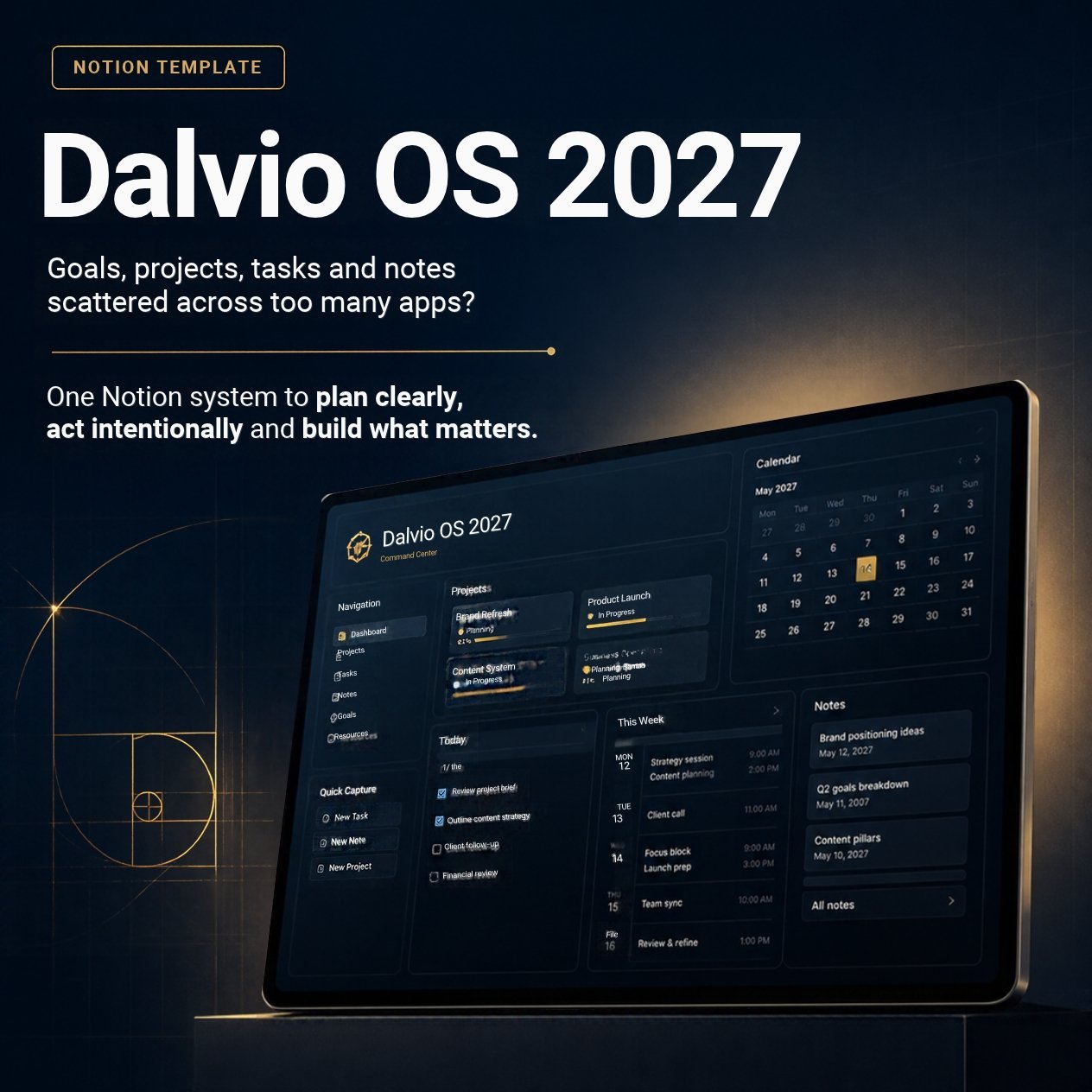
Dalvio OS 2027 Notion template cover
New · Notion template

Dalvio OS 2027

Plan clearly. Act intentionally. Build what matters. A Notion planning system that connects your 2027 goals to the projects and tasks that move them forward.

  • Home dashboard with today's tasks, what's coming up, your inbox and active projects
  • Linked Tasks, Projects, Goals and Notes, with an automatic overdue flag
  • Weekly, monthly and year-end review checklists. Works on Notion's free plan
See Dalvio OS 2027 · $12
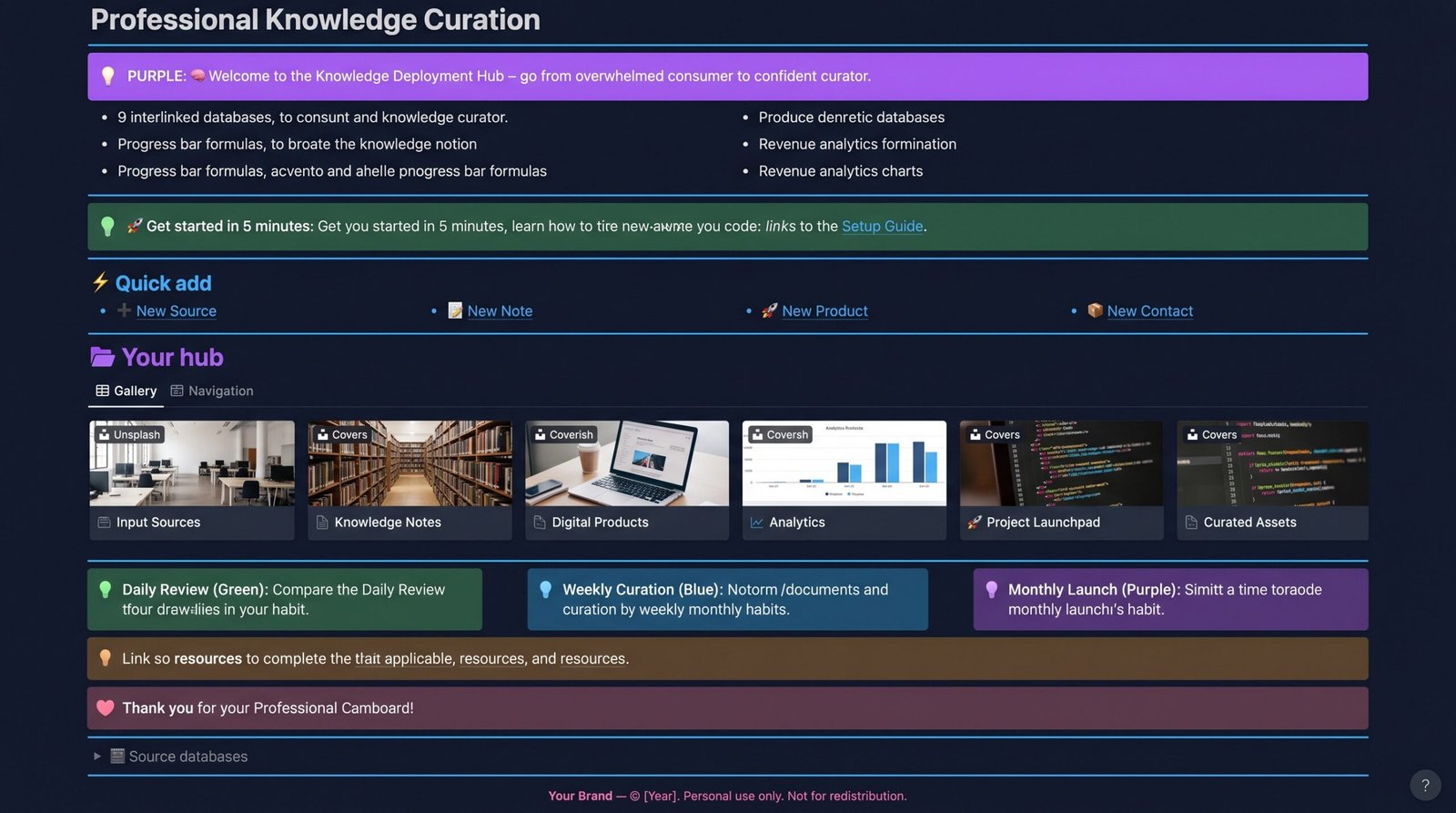
The Curator's Hub 2027 Notion workspace dashboard with ideas, notes, projects and review routines
Notion template

The Curator's Hub 2027

One workspace to capture ideas, organize what you learn, manage projects and turn it all into finished work you can sell.

  • One-tap buttons to add ideas, notes, tasks, products and contacts
  • Project launchpad that shows progress and the next milestone
  • Daily, weekly and monthly review routines built in
View Curator's Hub 2027

What changes when your work has one home

Before

  • Ideas spread across notes apps, screenshots and saved posts
  • Projects stall because the next step lives in your head
  • You rebuild the same launch checklist every time
  • No clear view of which products are moving

After

  • Every idea lands in one inbox, tagged and searchable
  • Each project shows its progress and next milestone
  • Frameworks, swipe files and checklists ready to reuse
  • One dashboard for your products and key numbers

From checkout to organized in one afternoon

No setup calls, no learning curve. Here's exactly what happens after you buy.

  1. 1

    Choose your template

    Pick the template that matches the job: ideas, notes, projects, products or your numbers.

  2. 2

    Check out securely

    Your download link arrives instantly by email and on screen.

  3. 3

    Duplicate to Notion

    One click copies the template into your own workspace.

  4. 4

    Follow the setup guide

    Five minutes to configure it and add your first ideas.

  5. 5

    Build the habit

    10 minutes daily, 30 weekly, an hour monthly. The template prompts each one.

Why creators choose Dalvio Digital

Most tools ask you to change how you work. These templates fit around the way you already think, then quietly keep you on track.

Find your template

Built from real use

Every template started as a system used to run a real YouTube channel and digital product business.

Calm by design

Clean layouts, clear labels and only the databases you need. Less clutter, more flow.

Setup guide included

Step-by-step instructions and best practices, so you're working in minutes, not weekends.

Habits, not just pages

Daily, weekly and monthly routines turn the template into a system you keep using.

Yours to customize

Rename, recolor and add properties. It's your workspace once you duplicate it.

A real person replies

Questions go straight to the creator, not a ticket queue.

Made by a creator, for creators

Dalvio Digital is a design studio run by Dalvio, making animated videos, motion graphics and brand visuals for artists, brands and creators. The Notion templates and guides began as the systems he uses to run his own channel and product business, refined until they were simple enough to hand to someone else.

The mission is simple: help creators and small business owners look professional and stay organized, so they spend less time on busywork and more time creating. Based in Massachusetts, working with creators everywhere.

  • Clarity firstFewer, better databases instead of every feature Notion allows.
  • Honest productsWhat you see in the preview is exactly what you get.
  • Made to be usedDesigned around daily habits, not one-time setup.
Ask Dalvio a question

Questions before you buy

Can't find your answer? Send a message and you'll hear back by email.

Do I need Notion experience to use these templates?

No. Every template includes a setup guide that walks you through duplicating it and adding your first ideas in about five minutes.

How do I get my template after buying?

Your download link is delivered instantly after checkout. Open it, click Duplicate, and the template is added to your own Notion workspace.

Can I customize the template?

Yes. Once it's in your workspace you can rename databases, change views, add properties and adjust colors.

Can I share or resell the template?

Each purchase is licensed for personal use and is not for redistribution or resale.

Which template should I start with?

Parents: start with The Family HQ 2027. Planning your year and goals: Dalvio OS 2027. Creators who want one workspace for ideas and projects: The Curator’s Hub 2027. Not sure? Tell us how you work and we'll recommend one.

Not sure which template fits?

Tell us what you're working on and we'll point you to the right system for the way you work.

Get in touch

Need a logo, a brand look or an animated video? Have a question about a template? Send a message and Dalvio will reply by email.

Your details are only used to reply to your message.